
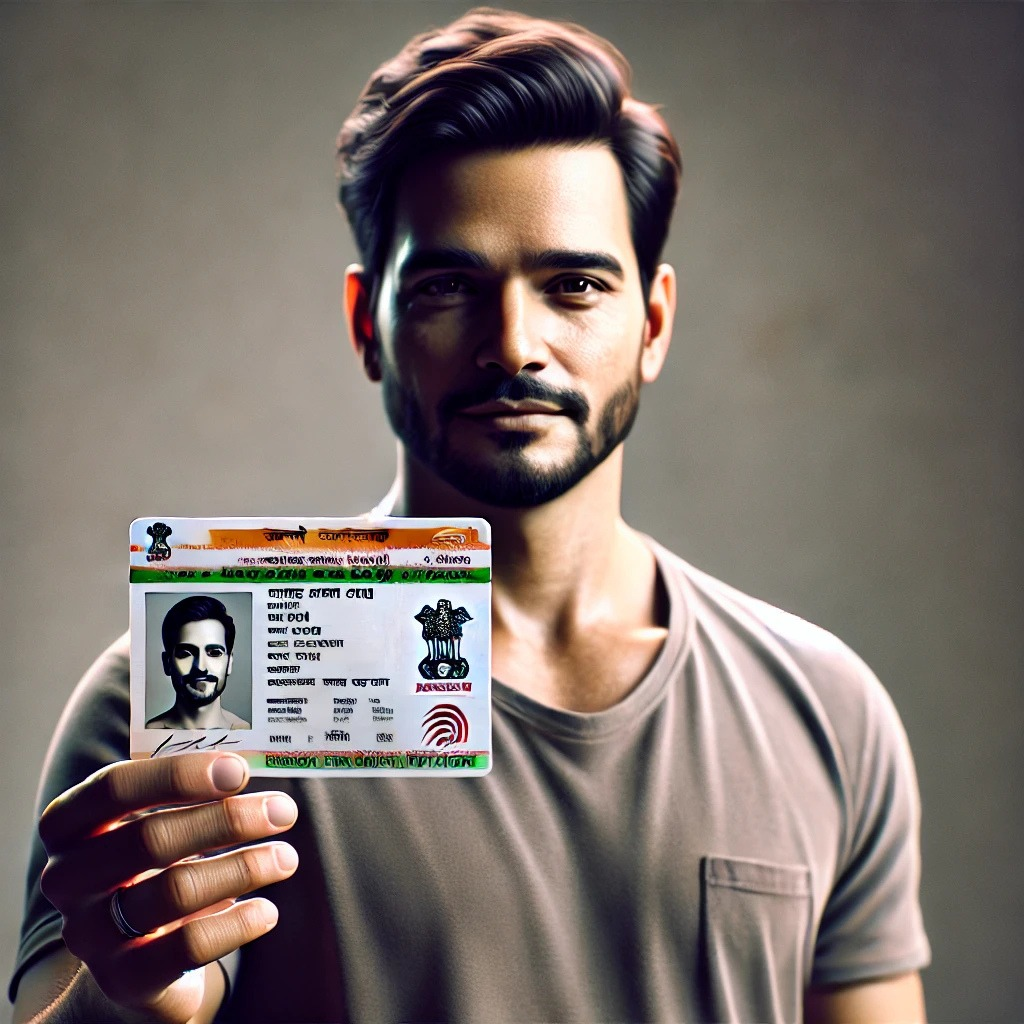
Update your Aadhaar address online via UIDAI or offline at an Aadhaar center for seamless access to services. Ensure accuracy for hassle-free verification.
1. Update Aadhaar Address Online (Without Address Proof)If you don’t have address proof for your new residence, UIDAI allows you to update your Aadhaar address using an Address Validation Letter.Steps to Update Aadhaar Address Without Proof
1. Visit the UIDAI Website go to https://uidaihttps://uidai.gov.in/en/.Click on “Update Aadhaar” and select “Request for Address Validation Letter.”
2. Enter Your Aadhaar Details log in using your Aadhaar number and OTP received on your registered mobile.
3. Provide Address Verifier Details the address verifier (a family member, relative, friend, or landlord) must approve your request.The verifier receives an SMS with a link to confirm your request.
4. Receive the Validation Letter after the verifier’s approval, UIDAI sends a validation letter containing a Secret Code to your new address.
5. Update Your Address use the Secret Code to update your address in the Aadhaar portal.Submit the request and note down the Update Request Number (URN) for tracking.
2. Update Aadhaar Address Online (With Address Proof)If you have valid address proof, you can update your Aadhaar address directly through the UIDAI portal.Steps to Update Aadhaar Address With Proof.
1.Go to the UIDAI Self-Service Update Portal – visit https://uidai.gov.in/en/Click on “Login” and enter your Aadhaar number with OTP authentication.
2. Choose the Address Update Option select “Update Aadhaar Online” and then “Address Update.
“3. Enter Your New AddressFill in the new address details exactly as mentioned on your proof document.
4. Upload a Valid Address Proof upload a scanned copy of an accepted address proof (e.g., passport, bank statement, utility bill, voter ID, etc.)
.5. Submit and Track Your Request review the details and submit your request.You will receive a URN, which you can use to track the status of your update at https://myaadhaar.uidai.gov.in.
3.Update Aadhaar Address Offline (Through Aadhaar Seva Kendra)If you prefer an in-person update, you can visit an Aadhaar Enrollment/Update Center.Steps to Update Aadhaar Address Offline
1. Locate the Nearest Aadhaar Seva Kendra find a center using the UIDAI Locator.
2. Visit the Center with Address Proof carry a valid original address proof document.Fill out the Aadhaar Update Form provided at the center.
3. Provide Biometric Authentication your fingerprint and iris scan will be taken for verification.
4. Receive Acknowledgment You will receive an acknowledgment slip with a URN to track your update status.The update is usually processed within 90 days.
4. Check Aadhaar Address Update Status to track your Aadhaar address update request:
1. Go to the UIDAI Update Status Page visit https://myaadhaar.uidai.gov.in/CheckAadhaarStatus/en
2. Enter Your URN and Aadhaar NumberEnter the Update Request Number (URN) received during the update process.
3. Check Status the system will show whether your update request is in progress, approved, or rejected.5. Download Your Updated Aadhaar once your address update is approved:
1. Visit UIDAI’s e-Aadhaar Portal go to https://eaadhaar.uidai.gov.in.
2. Enter Aadhaar and OTP Log in and download the updated Aadhaar card.
3. Print and Use take a printout for future use.Important Points to Remember ensure that your mobile number is linked to Aadhaar for OTP verification.
The update process may take up to 90 days.If your request is rejected, check the rejection reason and reapply with correct details.Aadhaar updates are free at Aadhaar Seva Kendra for children below 5 years.
For others, a fee of ₹50 may apply.Updating your Aadhaar address is essential for ensuring seamless access to government services and benefits. Follow the method that suits you best and keep your Aadhaar details up to date.